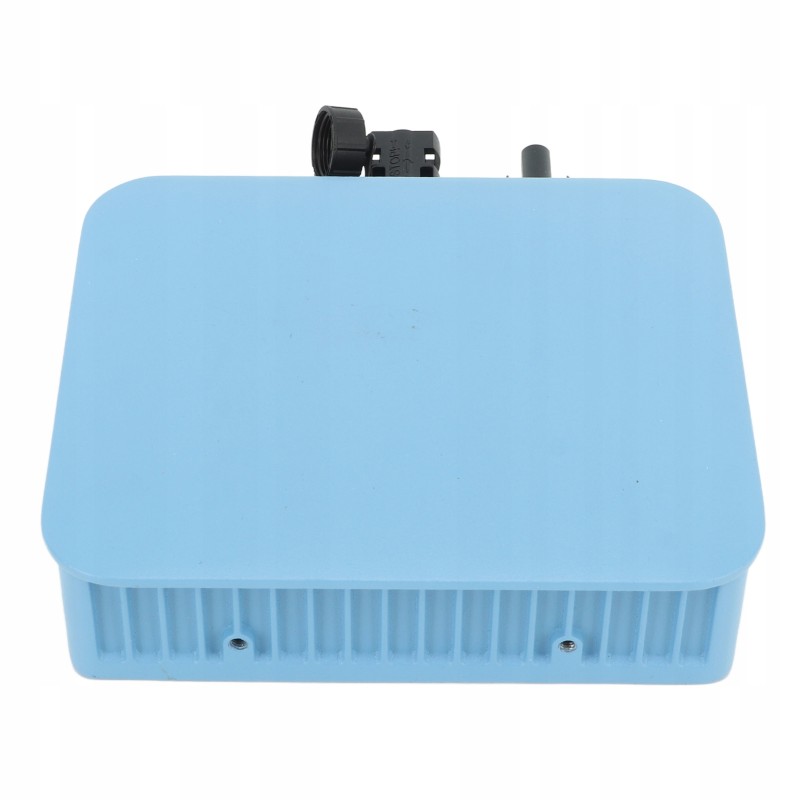
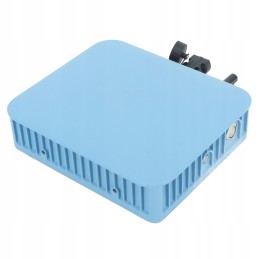
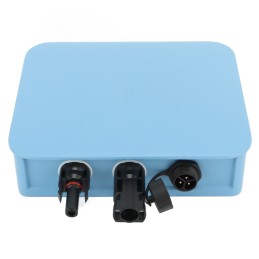
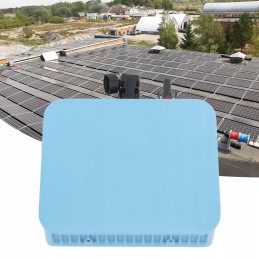
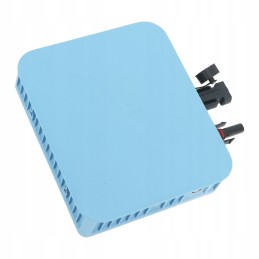
Feature:1. Effective Tracking: MPPT (Maximum Power Point Tracking), effectively tracking and locking the maximum power output of the solar panel. When the inverter tracks the maximum power point of the solar panel, it will automatically lock and obtain stable power output
2. Easy Installation: Standard input port, easy and safe installation. Integrated AC output port. Pure sine wave output. Historical (daily, weekly, monthly) power curve
3. Anti Island Protection Function: When the public power grid is turned off or fails, the inverter will automatically stop output power. Over temperature protection, short circuit protection and overload protection
4. Waterproof Design: With IP65 waterproof function, the waterproof effect is extraordinary, even in case of rain, don't worry
5. Material: aluminum alloy Solar smart micro inverter, ABS material, strong and durable, long service life, not easy to damage
Specification: Item type: Smart solar micro inverter
Material: aluminum alloy, ABS
Weight: approx. 1260g/44 .4oz
Inverter size: approx. 15x16x3.5cm/5.9x6.3x1.4in
Waterproof: IP65 waterproof function.
Features: With Wi-Fi network function. Environmental analysis caused by carbon dioxide. Inverter temperature. Daily and total energy production (KWH). Optional output power limits. Actual DC input voltage, current and power. Start the inverter, stop the online switch. Actual AC output voltage, current and power. Historical (daily, weekly, monthly) power curve
How to use:Installation procedure
Before installing the microinverter, check that the line voltage at the public grid connection point matches the rated voltage on the microinverter label
Step 1
Connect the microinverter to the rack
A Mark the position of the microinverter on the rack relative to the PV module junction box or other obstacles
B. Install one microinverter at each location using the hardware suggested by the module holder
Step 2
Connect the microinverter's AC bus wires one at a time
Step 3
Connect the microinverters to the PV module, do not exceed the maximum input voltage of the PV panel's VOC converter
Step 4
Carefully check that all microinverters, connectors and cables are properly connected
Step 5
Turn on the main AC power switch. Your system will start generating power after a 30 second delay for safety reasons
WIFI LED display
1. A steady light followed by a flashing green light means the Wi-Fi Cloud Monitor is waiting to be configured
2. Steady light followed by green off means the Wi-Fi cloud monitoring module is turned on and working normally
3. A flashing green light means the network is not configured or the network cannot connect to the wireless network device or the micro inverter has been removed from the cloud
4. No light, it is equivalent to normal Wi-Fi cloud monitoring
Package List: 1 x Smart Micro Solar Inverter
1 x Plug
1 x Baffle
1 Antenna
6 x Washer
2 x Nut
4 screws
1 x specification