VICTRON ENERGY PANEL COLOR CONTROL GX
COLOR CONTROL GX - BPP000300100R
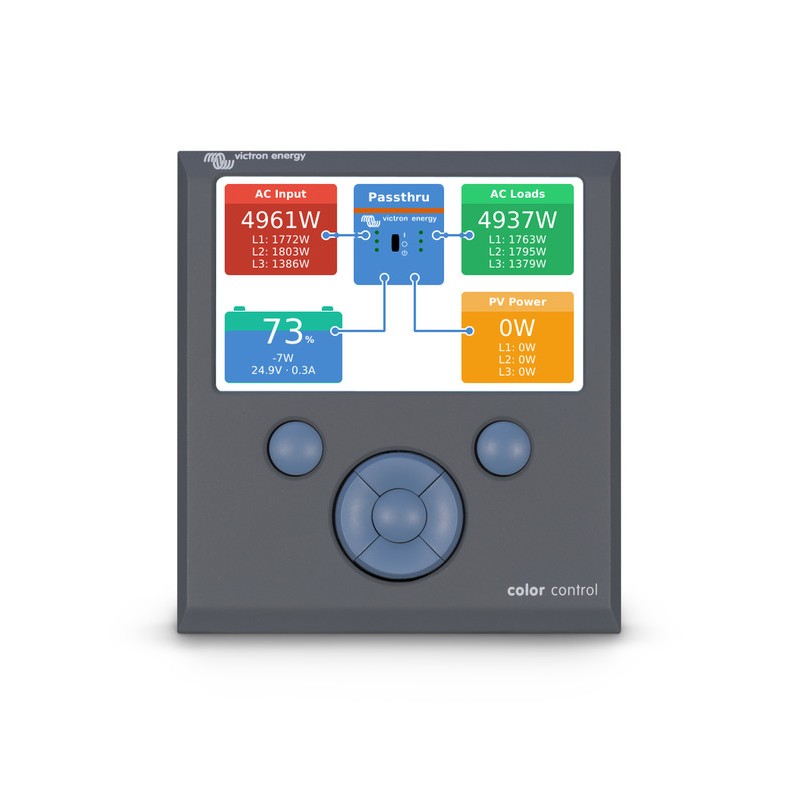
Color Control GX
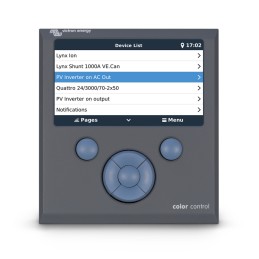
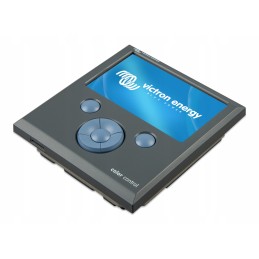
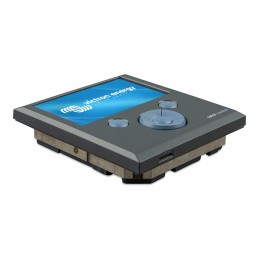
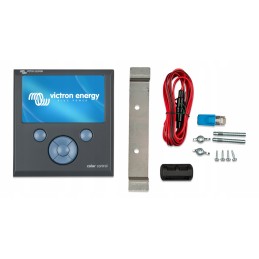
The Color Control Panel (CCGX) allows you to intuitively control all connected devices and monitor their operation. The list of connectable Victron products is endless: inverters, Multi devices, Quattro devices, the latest MPPT solar chargers, BMV-700, BMV-600 series devices, Lynx Ion + Shunt and more.
VRM web portal
In addition to the fact that devices are controlled and monitored via the CCGX panel, information from these devices is sent to our VRM portal with a free remote monitoring service.
Future functions
The CCGX panel has endless possibilities. It will take years to implement all our ideas and wishes. Therefore, many features are not yet available. Features described as "future features" will be available at a later date as software updates. Software updates, as for all Victron products, are free of charge. Updating your device is easy: the CCGX panel updates automatically whenever it is connected to the Internet. Manual updates can be performed via USB stick or microSD card.
Supported devices
- Multi and Quattro series devices, including split-phase and three-phase systems. Monitoring and control (on/off and current limiting). Variable settings are not available yet.
- BlueSolar MPPT 150/70 and MPPT 150/85 devices. The current output from solar energy sources is visible on the overview screen and all parameters are recorded in the VRM online portal. Please note that the VRM application also enables user-friendly data display for BlueSolar MPPT 150/70 devices. When several BlueSolar MPPT devices are connected in parallel in a VE.Can network, the Color Control panel displays all information as one. Also check out our blog posts on synchronizing several MPPT 150/70 solar chargers.
- BlueSolar MPPT solar chargers with VE.Direct socket (70/15, 75/15, 100/15, 100/30, 75/50, 100/50, 150/35) can be connected to the VE.Direct sockets of the CCGX panel. It is possible to connect several devices at the same time. They will appear on the list of devices as separate solar chargers.
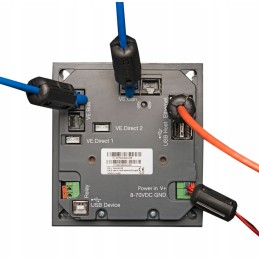
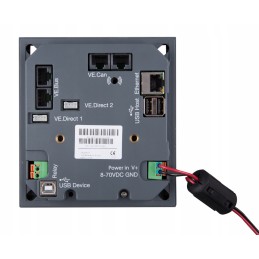
- BMV-700 family devices can be connected directly to the VE.Direct sockets of the CCGX panel. For this purpose, use the VE.Direct cable. See our price list.
- BMV-600 family devices can be connected to the VE.Direct sockets of the CCGX panel. For this purpose, use the VE.Direct to BMV60xS cable. See our price list.
- Lynx Ion + Shunt
- Lynx Shunt VE.Can
- Skylla-i
- NMEA2000 tank sensors
- GPS USB can be connected to a USB port. Position and speed are displayed on the screen and the data is sent to the VRM portal for tracking. The map in the VRM portal shows
the latest location.
- WiFi USB.
Please note that there are more options for devices using VE.Direct sockets, such as BMV and small MPPT. They can also be connected via USB, which is useful if you need to connect more than two devices. Using an external USB hub and ASS030530000 VE.Direct/USB interface.
Other important information
- If a new software version is available, the CCGX panel updates automatically when connected to the Internet.
- Several languages available: English, Chinese, German, Italian, Spanish, French, Swedish and Dutch.
- Possibility to use the CCGX panel as a Modbus-TCP gateway to all connected Victron devices. For more information, see Modbus-TCP FAQ.
Notes for existing VGR2 and VER users
- Unlike Victron Global Remote 2 (VGR2) and Victron Ethernet Remote (VER), the CCGX saves all data during network interruptions locally. As soon as the connection to the VRM portal is restored, this data is automatically transferred to the portal. The data can then be analyzed at https://vrm.victronenergy.com.
- Remote VEConfigure is not yet supported by the CCGX panel. This feature is expected in Q1 2015. It will be even better than the VGR2 and VER devices: it will include support for changing assistants and their settings.
- Local website like VER is not yet supported.