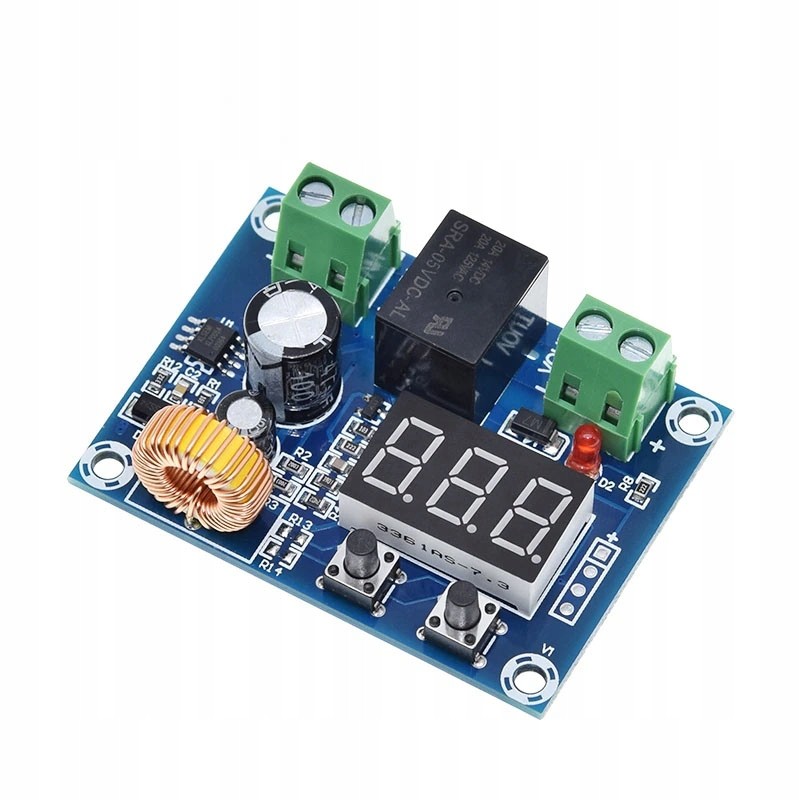
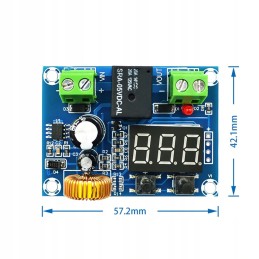
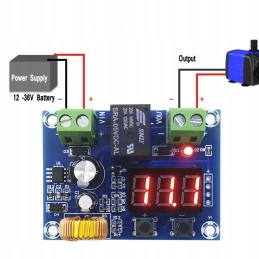
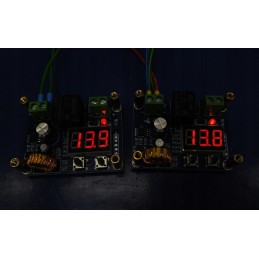
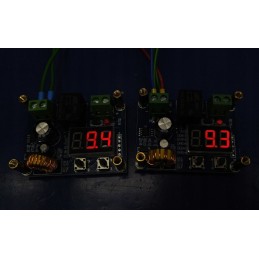
Deep battery discharge protection module. Operating range: 12V - 36V DC
The display shows the current voltage. To be sure of the measurement, check it with a meter and, if necessary, calibrate it. (indications below)
Accuracy: approx. 100mV
Power: approx. 1W
Max. load 10A (relay contacts)
Notes at the beginning:
I noticed that the systems may be decalibrated. So, first you need to set the voltage (V) on the display according to some external meter (option 2).
In addition, a delay can also be set. If we expect an immediate response, the delay must be set to 0 (option 4)
Press the buttons carefully. For example - I am right-handed. If I pressed with my left hand, there were inaccuracies. Only when I did it with my better, right hand, the buttons responded
OPERATION - WITH (+) and (-) KEYS
Option 1 - press (double click) the (+)(LEFT) microswitch twice until the display dot starts flashing. Then, use the (+) and (-) KEYS TO SET THE LOWER VOLTAGE VALUE AT WHICH THE MODULE WILL DISCONNECT THE RECEIVER. - memorization will take place automatically after a few seconds of no action.
Option 2 - press and hold the (+)(LEFT) microswitch until the display starts flashing. Then, use the (+) and (-) KEYS TO SET THE VOLTAGE VALUE TO BE THE SAME AS ON THE EXTERNAL METER [CALIBRATION] - it will be saved automatically after a few seconds of no action.
Option 3 - press (double click) the (-) microswitch twice (double click) RIGHT) until the DOT AND THE HYSTERESIS VALUE start flashing (hysteresis is the difference between the lower [off] and upper [on] voltage values). Then, use the (+) and (-) KEYS TO SET THE HYSTERESIS VALUE - it will be saved automatically after a few seconds of no action.
Option 4 - press and hold the (-)(RIGHT) microswitch until the display starts flashing. Then, use the (+) and (-) KEYS TO SET THE DELAY IN MINUTES AFTER WHICH THE MODULE WILL DISCONNECT THE RECEIVER. - it will be remembered automatically after a few seconds of no action.